Which wallet should you choose for donations: create one in Oxygen or connect your own
A simple guide for streamers: when to create a wallet in Oxygen, when to connect Rabby, MetaMask, or Trust Wallet, and why the payout wallet choice matters.
Quick answer
If you do not use crypto wallets and just want to enable donations, choose a wallet in Oxygen. It is created inside the website, without installing browser extensions. If you already have Rabby, MetaMask, Trust Wallet, or another EVM wallet, you can connect your own.
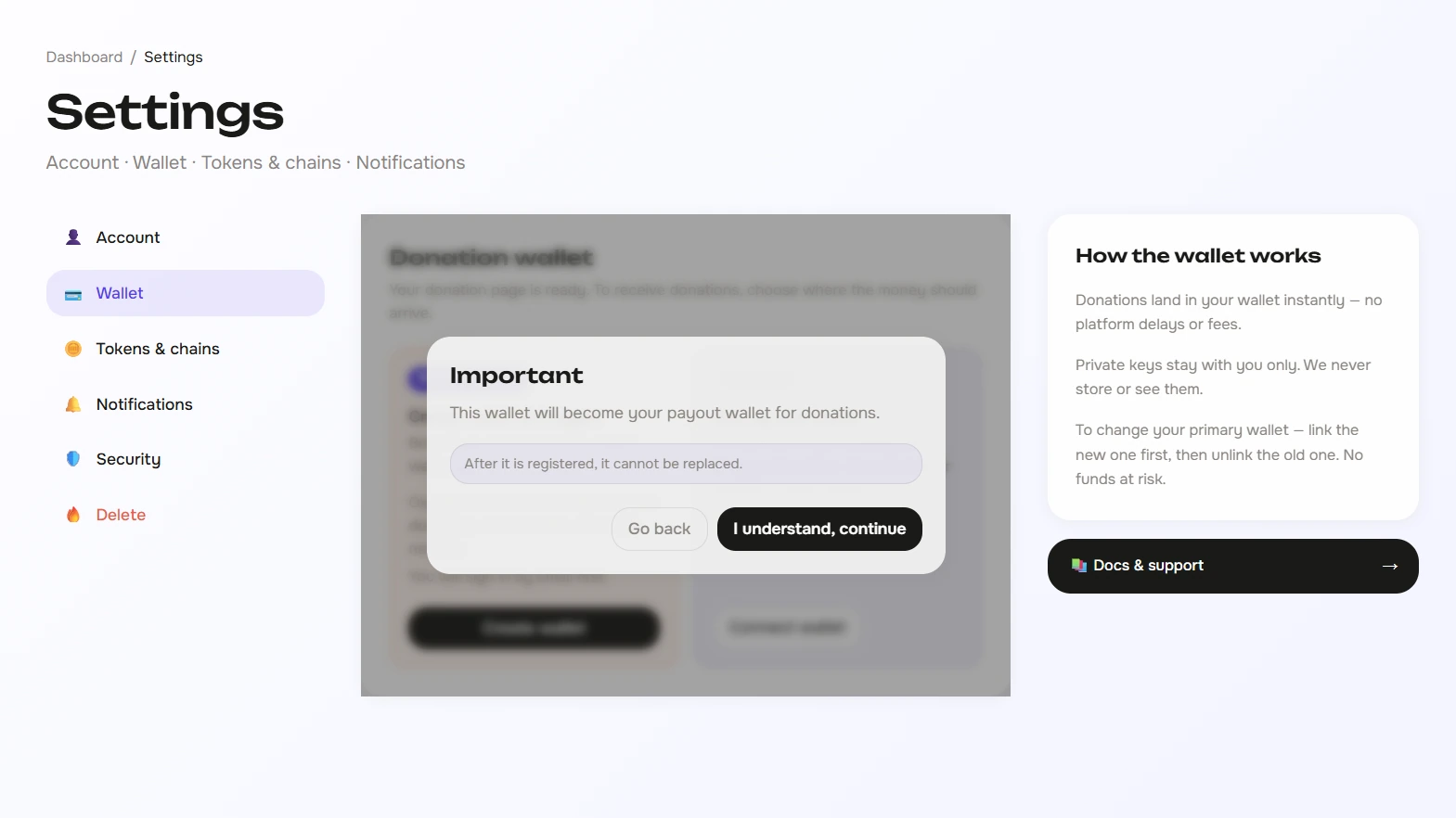
What you need to decide on this screen
On the wallet selection screen, you are deciding one thing: where donations will be stored after a viewer pays. This does not make the donation flow harder. After you choose a wallet, your page can accept donations, and OBS alerts will work as usual.
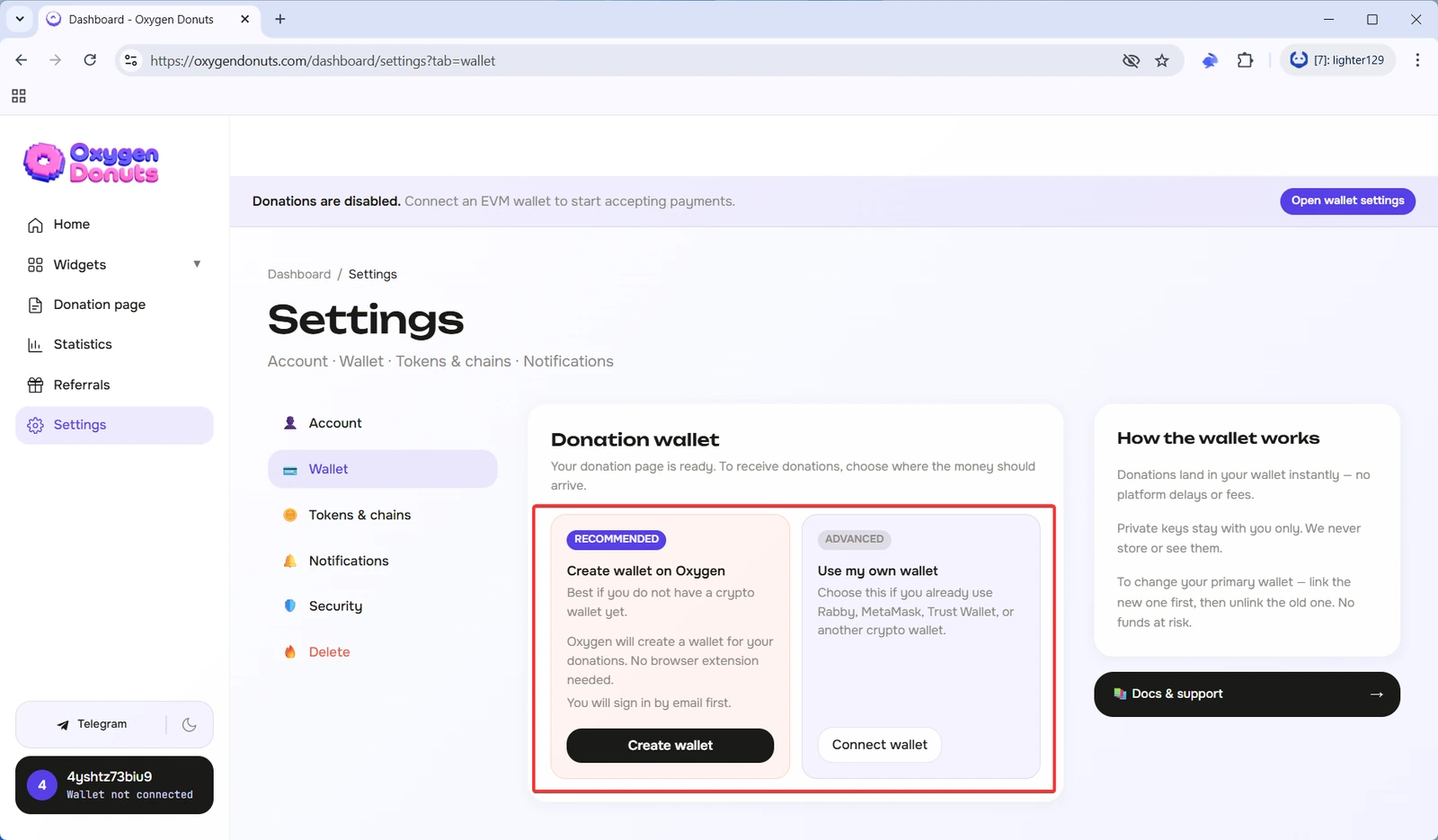
Option 1. Create a wallet in Oxygen
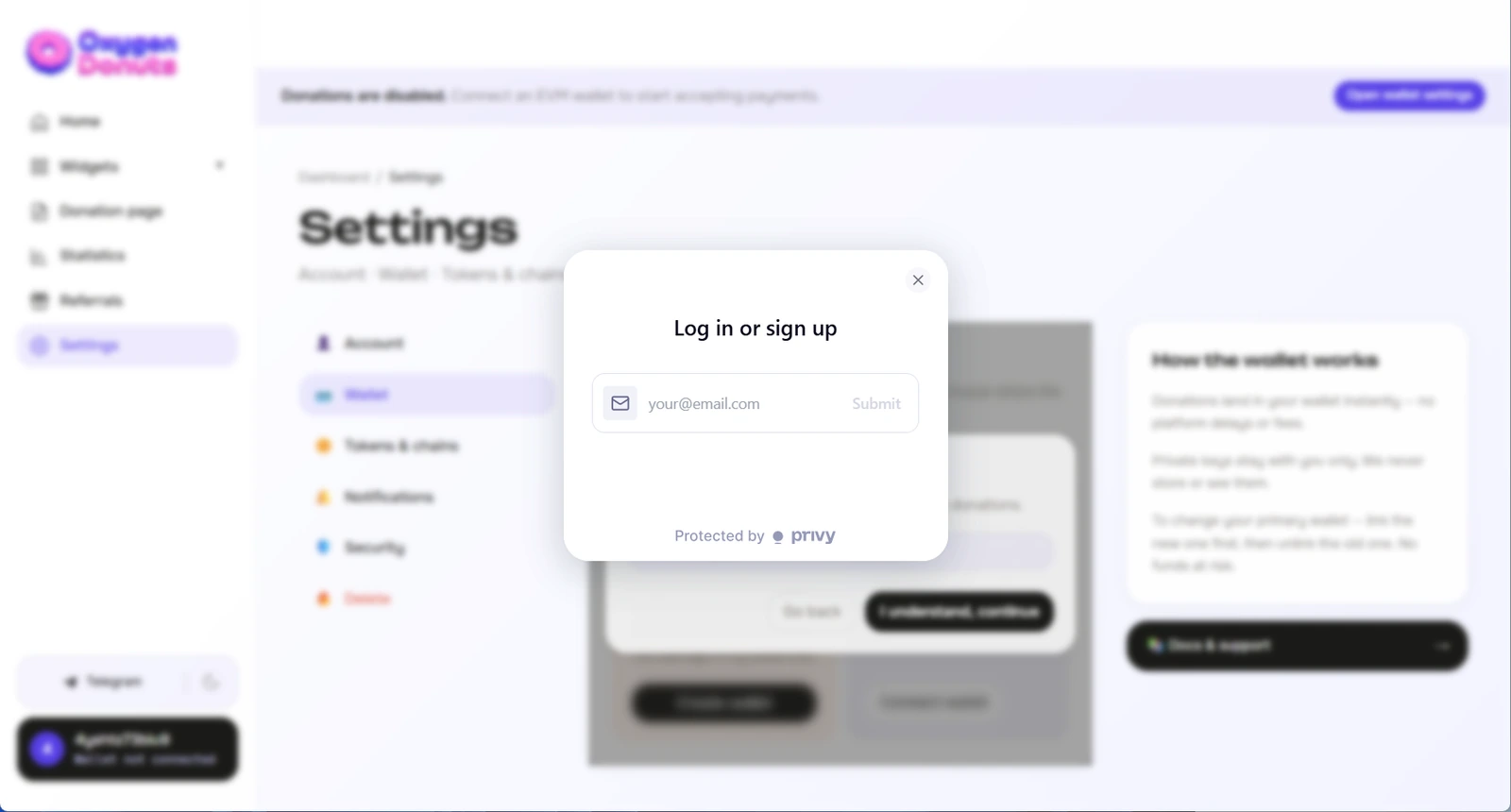
This is the best option if you have not used crypto wallets before. Oxygen will create an embedded wallet for you through Privy: you do not need to install a browser extension, deal with seed phrases on day one, or choose between a dozen wallets.
Choose a wallet in Oxygen if
- 1You do not have your own crypto wallet
You do not need to install Rabby or MetaMask just to launch donations for the first time.
- 2You want to enable donations faster
The embedded wallet removes the extra step of installing an extension and connecting it through the browser.
- 3Email sign-in feels easier
Privy will first ask you to sign in by email, then it will create a wallet inside Oxygen.
- 4You do not want to learn crypto right now
To receive donations, it is enough to choose a wallet and finish setting up the page. You can learn the technical details later.
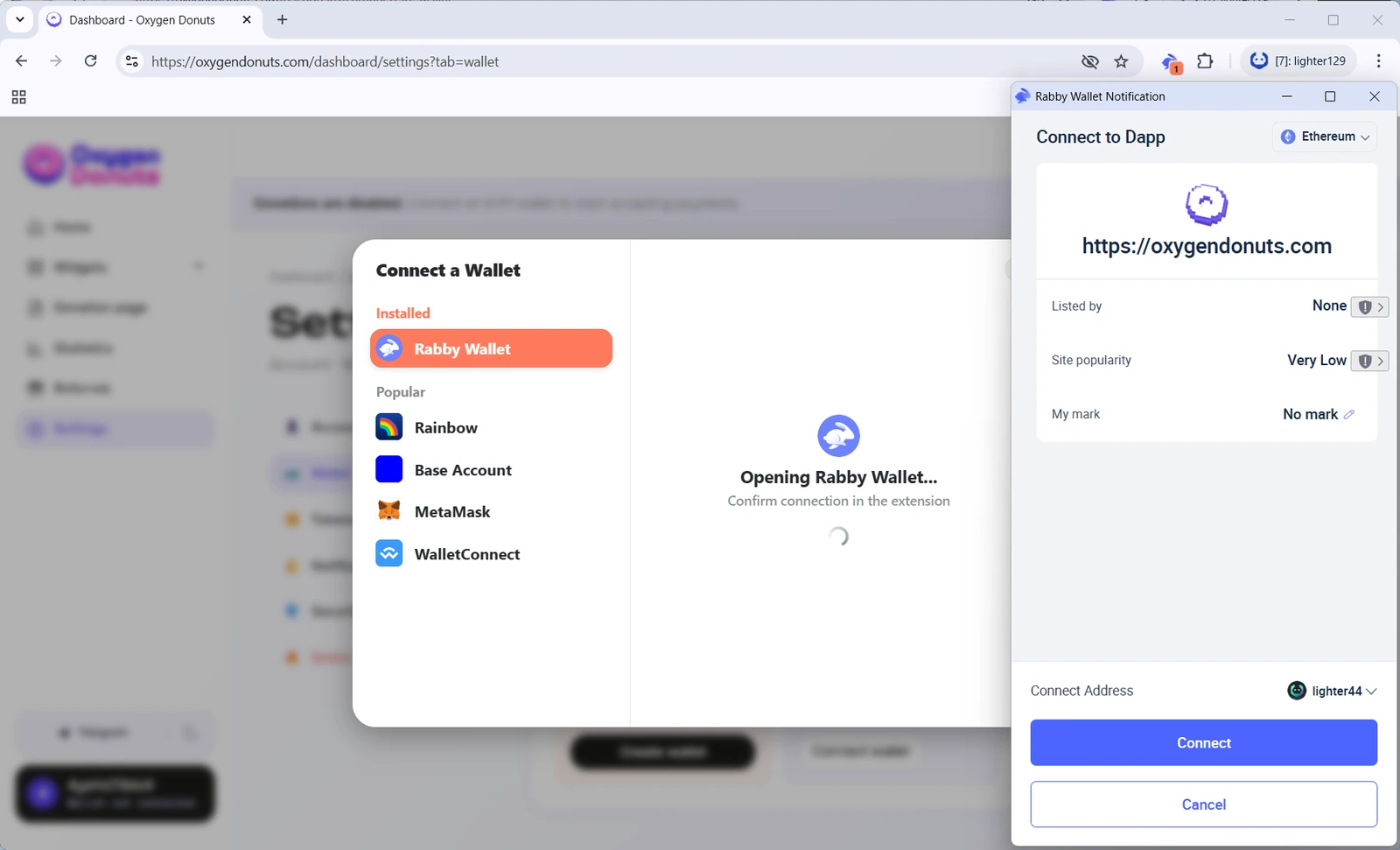
Option 2. Connect your own wallet
This option is better if you already use Rabby, MetaMask, Trust Wallet, or another EVM wallet and know how to keep access to it safe. Donations will arrive at the address you connect to Oxygen yourself.
Connect your own wallet if
- 1Your wallet is already installed
For example, you already use Rabby, MetaMask, or Trust Wallet.
- 2You want to control the wallet outside Oxygen
Your own wallet stays in the app or browser extension you already know.
- 3You already understand networks and fees
You do not need an explanation of why future sends need ETH on Base or BNB on BNB Chain.
- 4You are sure about the address
After the payout wallet is registered, it cannot be replaced, so connect only an address you are ready to use long term.
Simple comparison
| Situation | Best choice | Why |
|---|---|---|
| I do not have a crypto wallet | Create a wallet in Oxygen | No need to install an extension or understand wallets before launching donations. |
| I already use Rabby, MetaMask, or Trust Wallet | Connect your own wallet | You already control your address and know how to use it. |
| I want to enable donations faster | Create a wallet in Oxygen | Fewer steps before your page is active. |
| I want to manage everything through my own extension | Connect your own wallet | Donations will arrive at the address you chose yourself. |
| I am afraid of choosing wrong | Do not confirm randomly | After the payout wallet is registered, it cannot be replaced. |
| I just need to receive donations | Both options work | For the viewer, it does not matter which option you chose. |
You can receive donations without extra steps
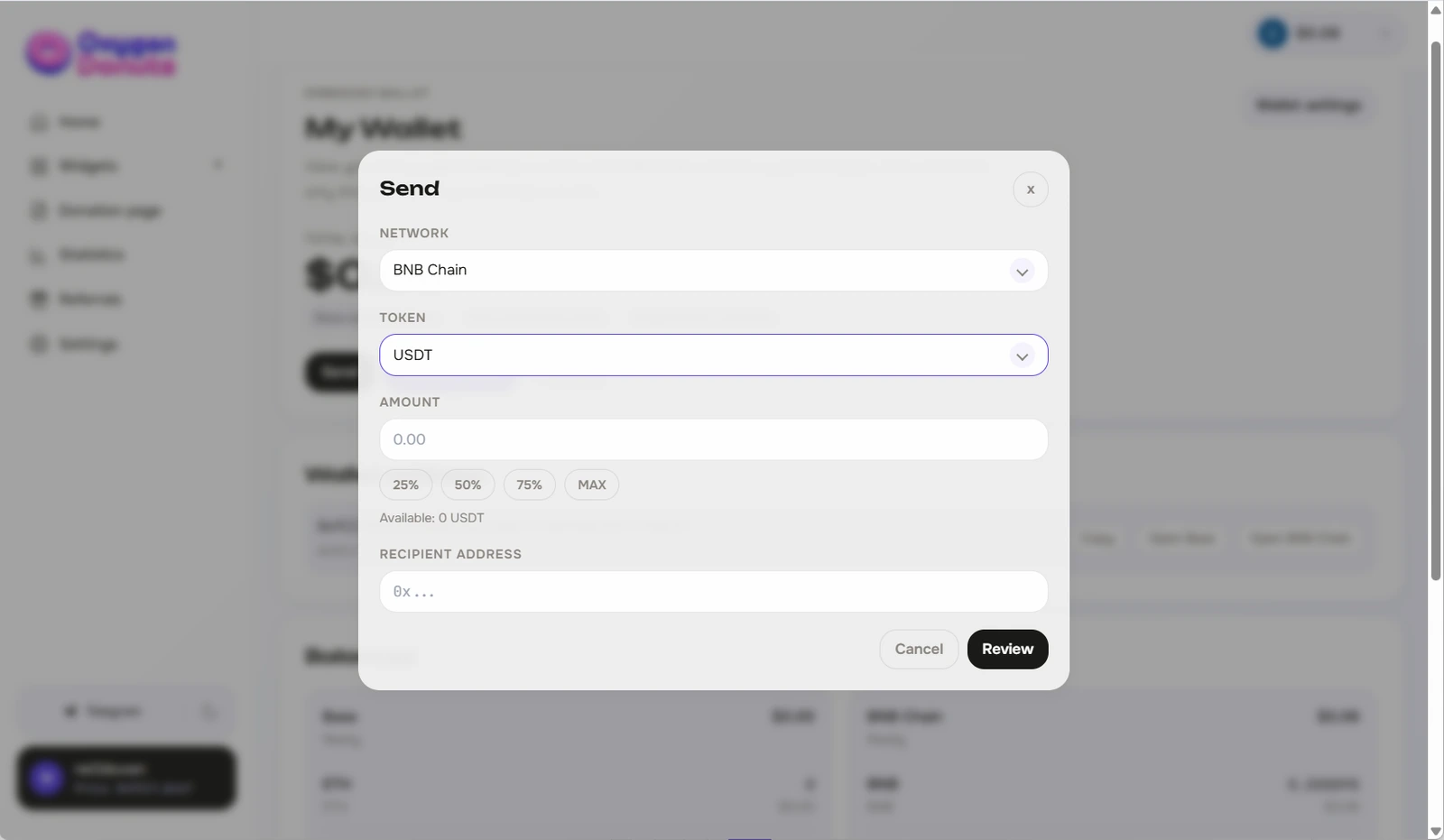
After you choose a wallet, donations will arrive at your address. A viewer opens your page, sends a donation, you receive a notification, and you can show the alert on stream. You do not need to confirm something manually every time just to receive a donation.
What happens after you choose
After you confirm the wallet
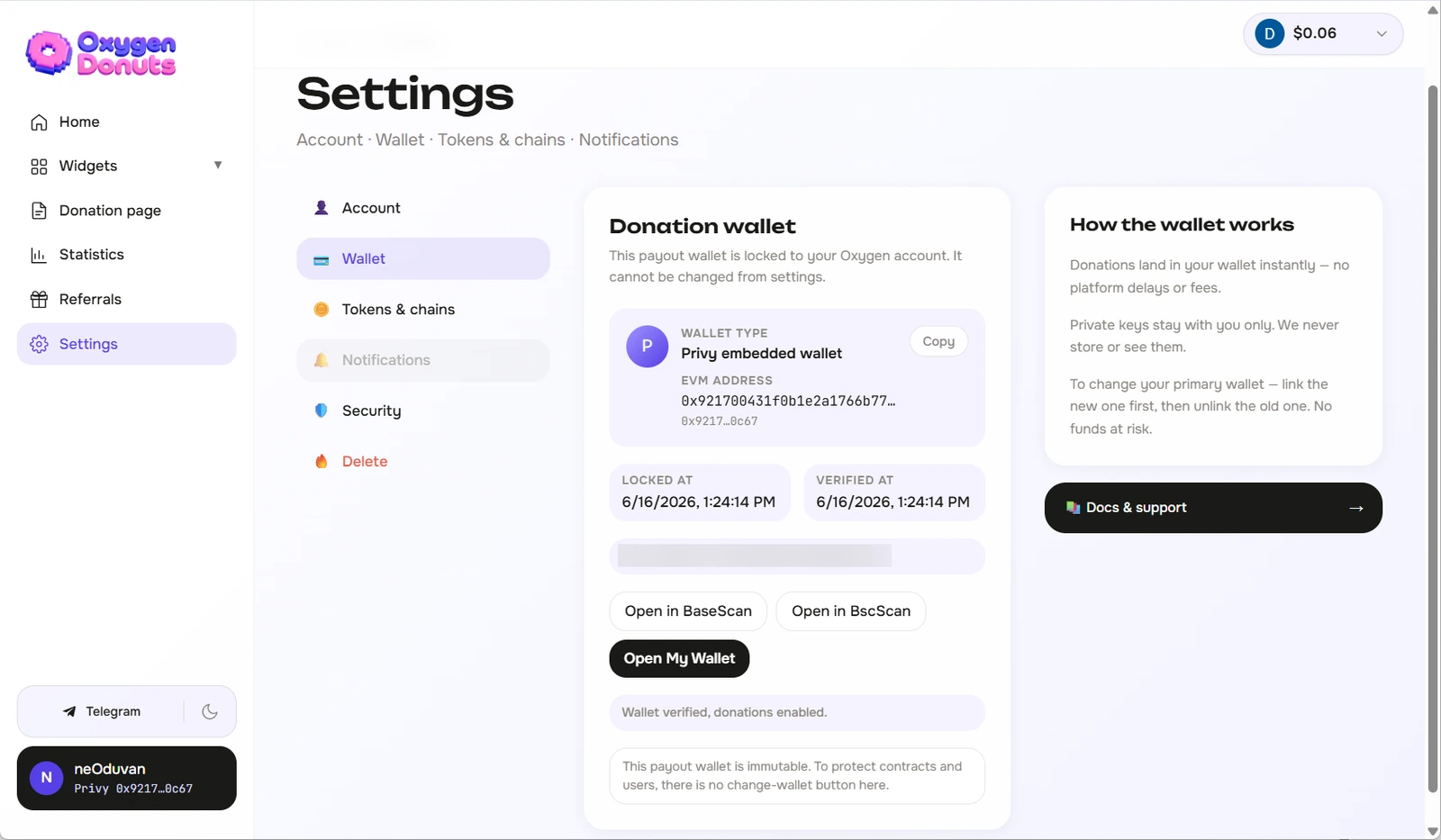
- 1The wallet becomes your donation address
This is the address that will receive funds from viewers.
- 2Oxygen registers the address for your page
This connects your donation page to the wallet you chose.
- 3Donations become available on the page
After setup is complete, viewers can send donations and OBS alerts can appear on stream.
- 4A separate funds guide can be opened later
Sending and withdrawing funds will have its own simple guide, so this step stays focused.
FAQ
- What is a wallet in Oxygen?
- It is an embedded wallet for receiving donations. It is created inside Oxygen through Privy, so a beginner does not need to install a separate extension right away.
- Is it the same as Rabby or MetaMask?
- No. Rabby, MetaMask, and Trust Wallet are separate wallets that you install and control outside Oxygen. A wallet in Oxygen is created inside the website.
- Can I change the payout wallet later?
- After the payout wallet is registered in Oxygen contracts, it cannot be replaced. Before confirming, check that you selected the right option.
- Do I need to pay a fee to receive donations?
- You do not need to manually pay a fee every time just to receive a donation. But future sends or withdrawals from your wallet will need a network fee.
- What if I do not understand Base, BNB Chain, or network fees?
- That is normal. If you are new, it is easier to start with a wallet in Oxygen. When you need to send funds, Oxygen will show which network and fee are needed.
- Which option is better for the first launch?
- If you do not have your own wallet, choose a wallet in Oxygen. If you already have a wallet and trust it, connect it.